
A quick label can still leave you with an order that takes too much thought. If you’re shipping from several storefronts, repeated small choices can eat into the time you need to get orders out. Pirate Ship vs ShipStation puts a price on that trade: one option keeps the software bill at zero, while the case for more software depends on the work it actually saves.
The answer gets harder when your quiet-day routine has to survive a busy one. A tool that feels effortless with familiar orders may leave you making judgment calls when the mix changes. Paying for more capability has its own cost, too, especially if your team must maintain a process that barely needs it.
Software and postage costs: Free platform, variable carrier charges
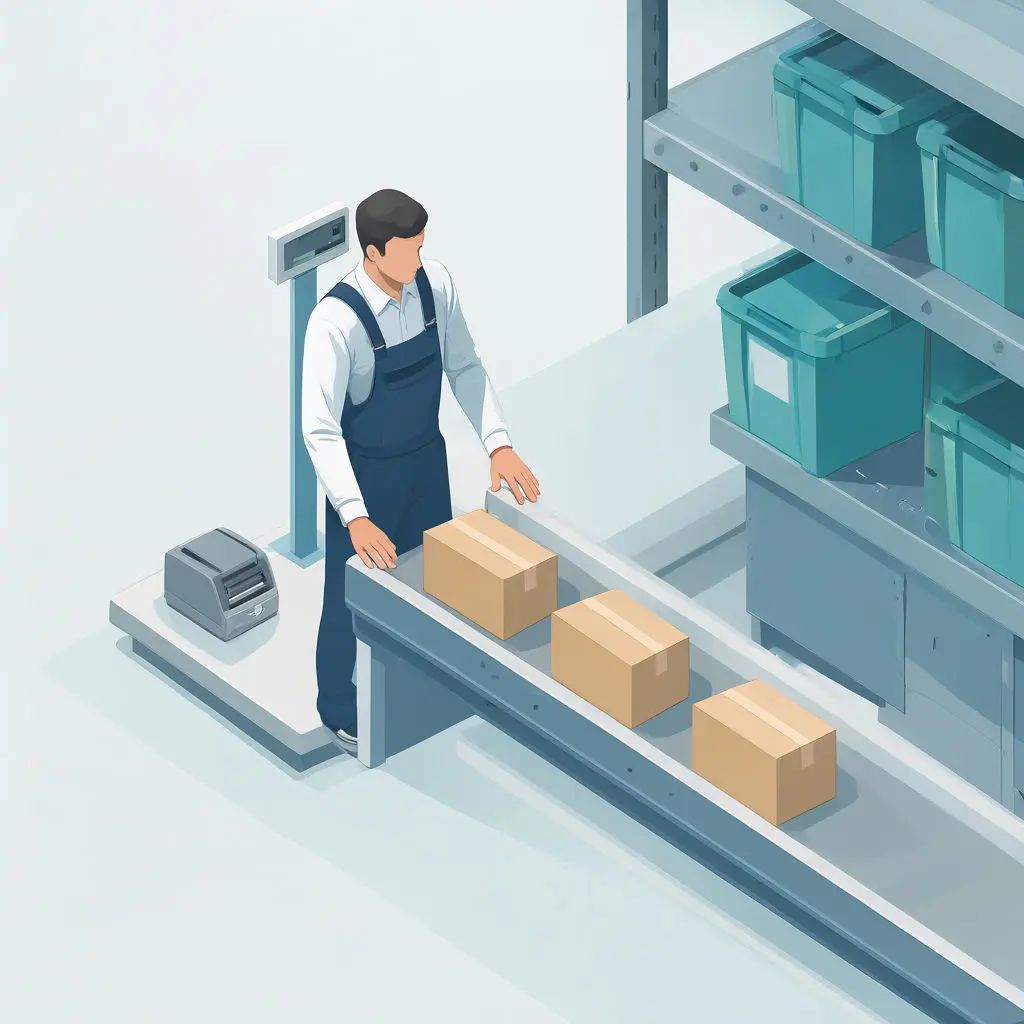
Pirate Ship says its software costs nothing to use. You pay for the labels you print, and the company describes no subscription fee, no minimums, and no hidden costs. For a seller whose volume swings between a quiet week and a promotion, that means the software line on the monthly budget stays at zero.
The postage side is where the pricing logic gets interesting. Pirate Ship says USPS labels receive Commercial Pricing no matter how many packages you send, and UPS labels receive discounted rates. It also says it adds no markup to either carrier’s rates, so the figure you see is the carrier’s figure. The platform says it automatically picks the cheapest available USPS or UPS service for each package, which removes a comparison you would otherwise run by hand.
What you actually pay still depends on the parcel. Size and weight drive the charge, along with distance and destination type, and each carrier sets its own weight limits. Reviewers on Trustpilot praise the affordable rates and the interface, yet others report surprise carrier surcharges and dimensional-weight adjustments that raised a label’s cost after the fact. A seller shipping bulky, light boxes will feel those adjustments far more than one shipping dense small items.
Some costs sit outside the label itself:
- Insurance is optional through InsureShield, and the charge scales with the amount of coverage you buy.
- Stamps and several USPS letter, flat, and document-mail services are not offered, because the platform sells parcel-shipping labels.
- Support for lost packages or carrier disputes is a recurring complaint, with some reviewers struggling to reach a person.
The list makes the shape of the bargain clear. A free platform keeps your fixed costs flat, but it puts more weight on you for the exceptions: the insured shipment, the flat-mail order, the disputed claim. How often those exceptions show up in your own order mix decides whether zero software spend is the whole saving or only the first part of it.
Packing workflows: Without barcode scans, checks stay manual
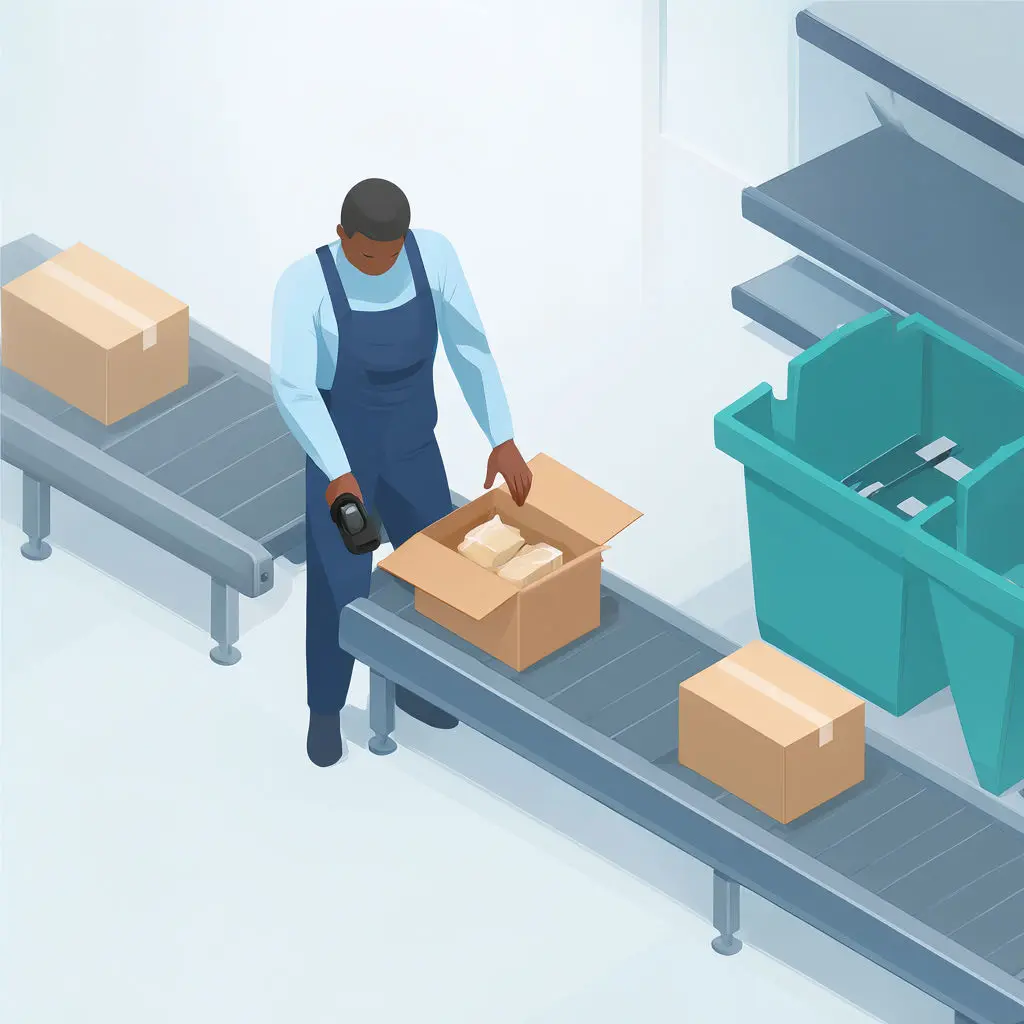
Pirate Ship’s packing workflow starts where your orders already live. It pulls unfulfilled or unshipped orders from connected stores by default, so the batch waiting for you at the start of a shift is the batch your storefronts say is owed. You can customize the import grid columns, and when a supported integration supplies order weights, the Override workflow can use them for packages with matching dimensions and packaging type. Once you buy a label, tracking numbers flow back to the store and the order is marked fulfilled or shipped, which closes the loop without a second pass.
The picking check is where the lean design shows its edges. Pirate Ship can generate a packing list from an imported e-commerce order, carrying identifiers, item details, shipping service, package measurements, and tracking numbers. That gives whoever stands at the shelf a printed reference to check against the box. What you will not find in its documented feature set is barcode verification at the packing table, so accuracy rests on a person reading a list rather than a scanner confirming each item.
The packing list also depends on how the label was born. Labels created through the Single Label form or a spreadsheet upload produce no packing list, and ZPLII files are incompatible with the feature, so a seller who mixes import and manual entry ends up with two paper trails.
Printing is more forgiving. Pirate Ship supports desktop and label printers and offers 4-by-6-inch and 2-by-7-inch formats, though the narrower format needs a printer of that size. You can print several completed labels or whole batches together, which suits a morning pass through a stack of orders. The End-of-Day SCAN Form covers USPS shipments only, and UPS labels come off the Ship page or Shipments Grid and are scanned one at a time.
A QR code option can send the printing to a post office or The UPS Store, where a clerk scans it and prints the label at no extra charge. In its beta form it was limited to domestic shipments without customs forms, with no return labels and no SCAN Forms for those shipments. For a seller without a printer, that is a real convenience, but it only covers the simplest parcels.
Automation and administration: Pirate Ship trades rules for simplicity
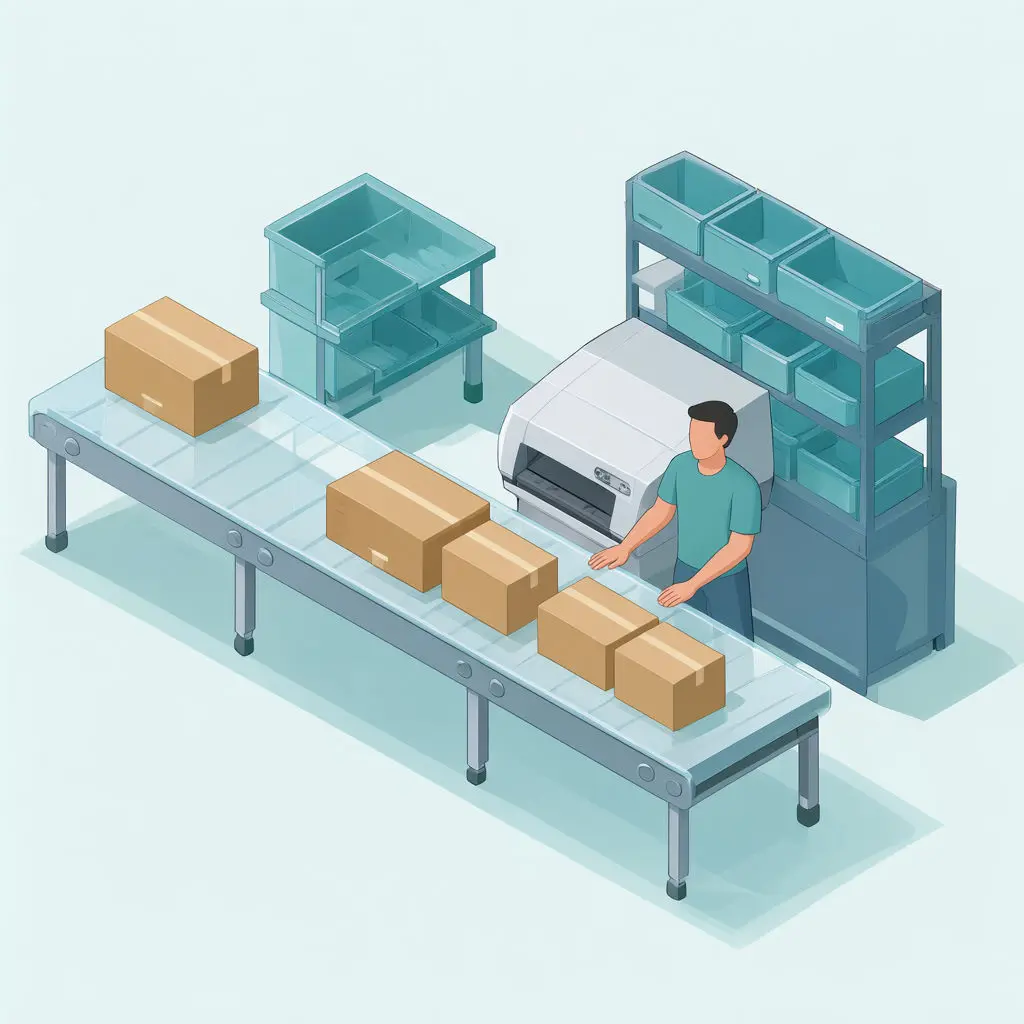
A BigCommerce or Big Cartel store connects to Pirate Ship by logging in through the other platform or by entering a code in Integration Settings, and from that moment the connection does one job: it imports orders, builds labels and packing lists, and writes tracking back to the store. You can also bring orders in by spreadsheet. What it does not do is sit inside your shopping cart. Pirate Ship has no cart plugin and enters the picture only after an order is complete, so anything that must happen at checkout has to be solved somewhere else.
The automation you do get is deliberately narrow. Pirate Ship recommends a shipping service by weighing affordability against delivery timeframe, and you can browse the other services whenever the recommendation doesn’t suit a parcel. That is a suggestion you review, rather than a rules engine that routes orders by weight, destination, or tag. With its USPS and UPS labels carrying no markup, fees, or minimums, the cost of that restraint is your own attention at the moment of purchase.
Returns follow the same pattern. Approved accounts can issue a USPS pay-on-use return label and pay only when USPS scans it, which removes the risk of paying for labels customers never use. That convenience covers USPS alone, with no UPS option, the labels expire after 90 days, and they come only in 4-by-6-inch format, so a seller whose returns run through UPS or whose customers print on full sheets will feel the edges quickly.
Setup asks little, but it asks for a real street address: a PO Box cannot serve as the origin address, and payment options live in account settings. Reviewers praise the ease of use and the sensible defaults, though some report that without phone support, resolving a problem takes more time than they wanted. The ease is real, and so is the gap it leaves when something breaks.
Decision matrix weighs manual decisions against software overhead
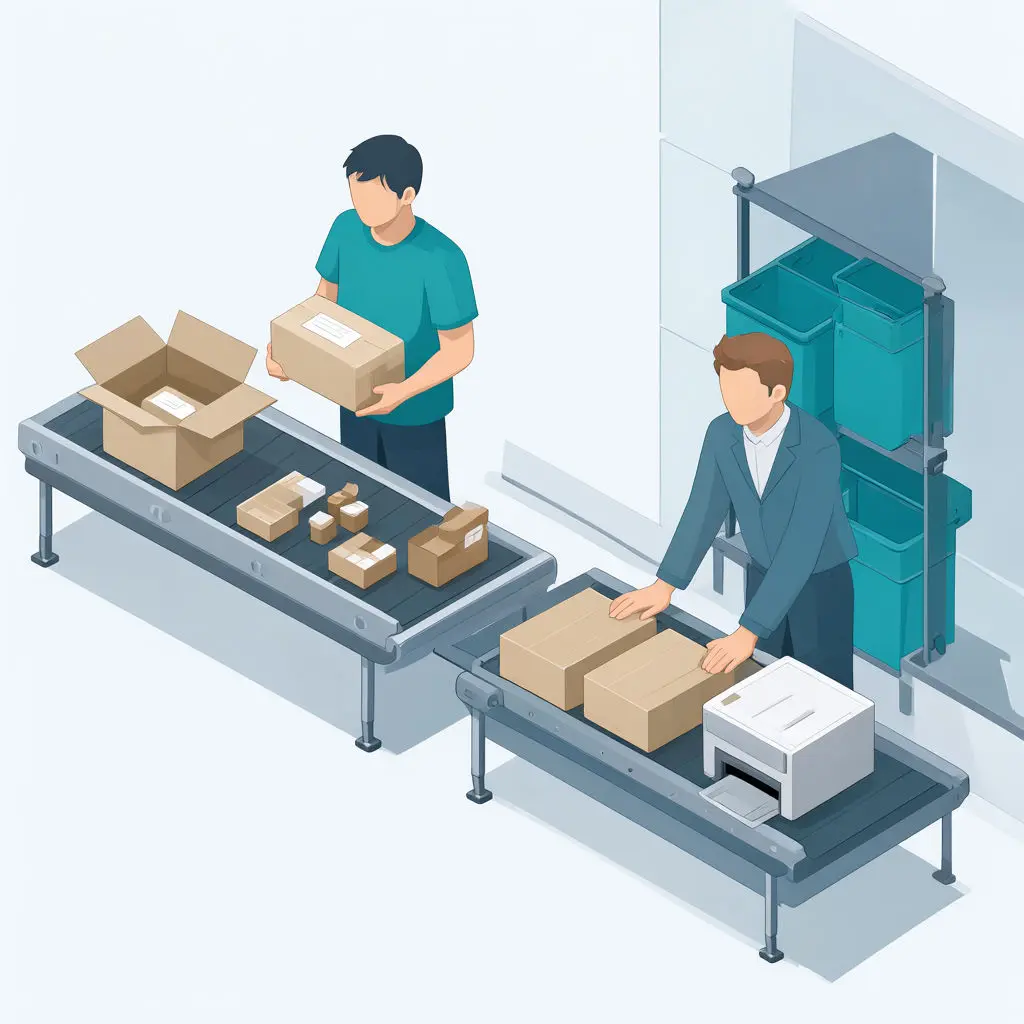
Shipment complexity decides this choice more than any feature list does. Pirate Ship vs ShipStation comes down to how many of your orders need a decision before a label prints, and how much of that deciding you want a machine to absorb.
Start with the plain case: uniform parcels, a handful of channels, and orders that arrive through Shopify, Etsy, WooCommerce, or eBay. Pirate Ship handles this well. It imports orders, prints labels individually or in batches, writes tracking back, and sends tracking emails, and you pay only for postage whether you buy one label or many. Your overhead is a printer, a scale, and a few minutes of attention per batch, which is a genuine bargain when parcels behave.
Parcels stop behaving once volume and variety climb. Pirate Ship recommends a service by balancing price against delivery time, but it cannot automate shipping decisions based on weight, destination, or tags, leaving every exception to you. Reviewers describe comparing certain carrier rates by hand, and others report dimensional-weight adjustments or surcharges surfacing after shipment, when a thin support channel without phone access is a poor place to untangle a carrier dispute. A lean tool saves hours until the hours reappear as rate comparison, label rework, and tracing problems, and that is the point at which heavier software begins to justify its overhead.
So sort your shipments by where the manual work actually lives:
- Packing and printing time dominates when parcels are similar, which favors the lean tool.
- Decision time dominates when carriers, service levels, and package types vary order by order, which favors software that automates the choosing.
- Dispute time dominates when surcharges and tracing problems recur, which favors whichever option gives you faster recourse.
Count a typical week honestly across those three. If decisions and disputes stay rare, the simpler tool wins on cost and effort. If they fill your afternoons, the extra software is buying back time you were already spending.
Final thoughts
Pirate Ship’s zero software fee makes the software bill predictable, but the labor needed to keep shipments consistent can grow without showing up on that bill. When decisions depend on individual judgment, growth can make your process harder to teach and harder to cover when someone’s away. More software earns its place if it makes that work repeatable enough to justify its setup and upkeep.
Before choosing between Pirate Ship and ShipStation, set a practical threshold: how many orders can your team handle in a shift while still catching errors and keeping shipments moving? Watch what happens to that threshold when the order mix changes. The better fit is the one your team can run reliably on a busy day, at a cost you can explain.